
I’ve had a few people asking me how to make the Wildcats on NBA 2K17 for Xbox One. Because I play on PS4 I’m not able to share my roster and team design, so I’ve gone ahead and taken screenshots of how to make the team yourself.
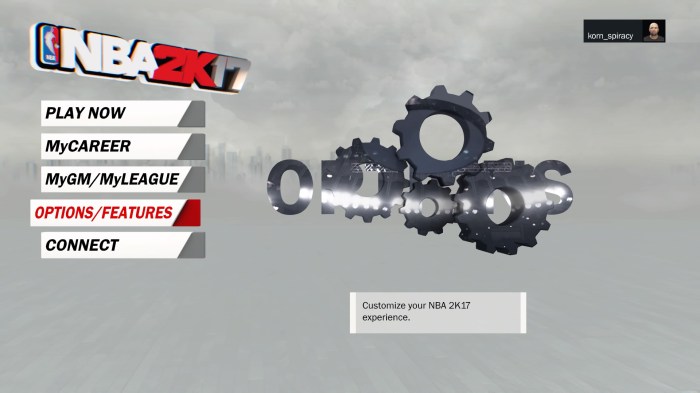
To do this simply go to OPTIONS/FEATURES
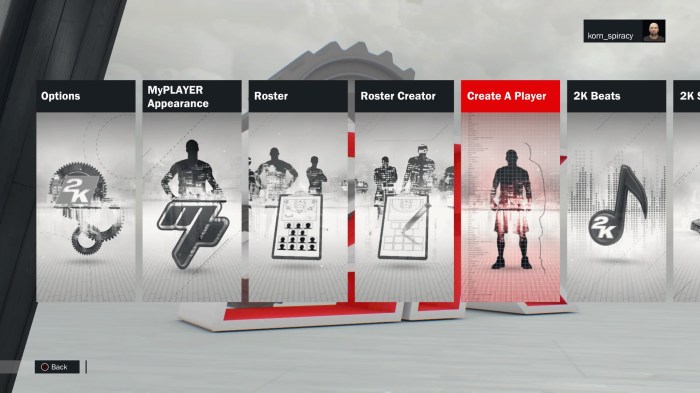
Then go across to Create A Player
And CREATE A NEW PLAYER
Now you need to go through the Vitals, straight on sculpting, profile sculpting, features, hair, facial hair, and body sections.
So far I have put up galleries of five players. Simply go through each image and set the options the same on your screen.
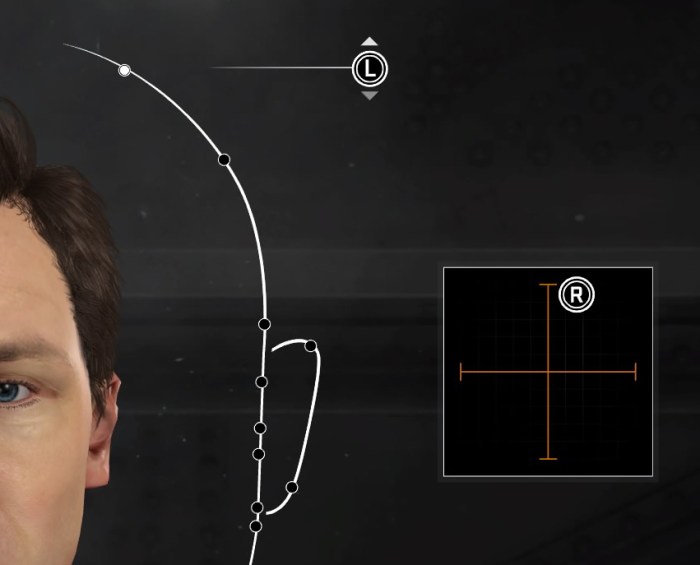
For example, under straight on and profile sculpting, make sure the R is in about the same place for each facial feature like the example below.
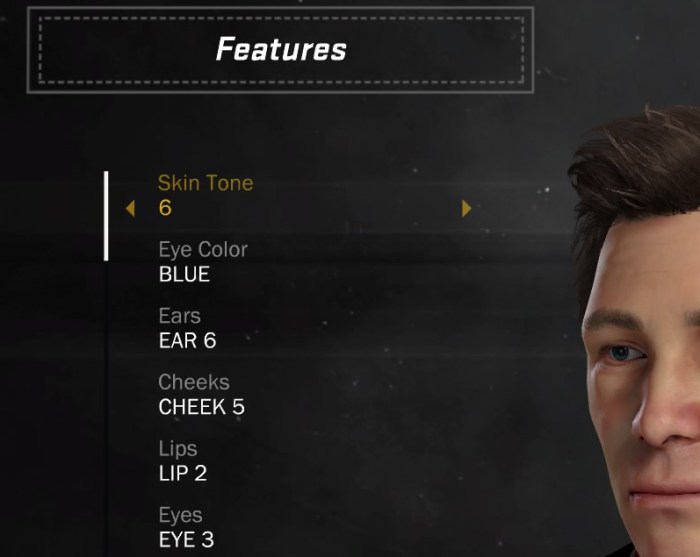
Then for vitals, features, hair, facial hair and body make sure you have the correct information typed in or selected, like the below example.
Here are the galleries for the five players I have gotten screen captures for so far. Keep reading to see how to play as your newly created Wildcats.
Greg Hire
Jameel McKay
Casey Prather
Matty Knight
Damian Martin
How to play as the Wildcats
Once you have created your players you will need to assign them to a team. To do this Follow these steps:
1. Go to OPTIONS/FEATURES
2. Go to Roster Creator and select Create Roster.

3. Select the Official 2K Roster
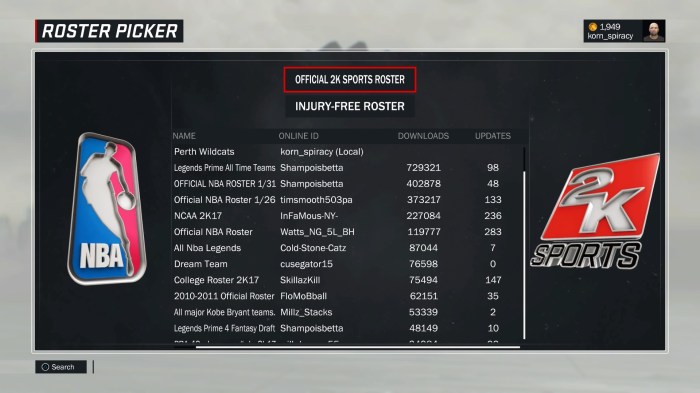
4. Use the shoulder buttons to go across to CREATED PLAYERS.
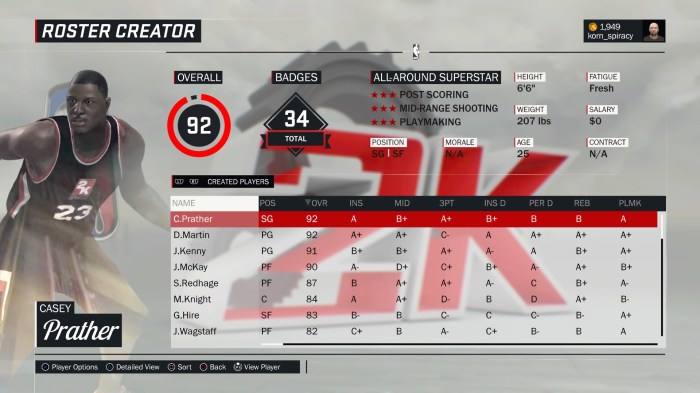
5. You will need to assign your players to a team. I recommend the Philadelphia 76ers as it’s a bit quicker. Press A on one of your players and select COPY TO TEAM.

6. Choose the 76ers.
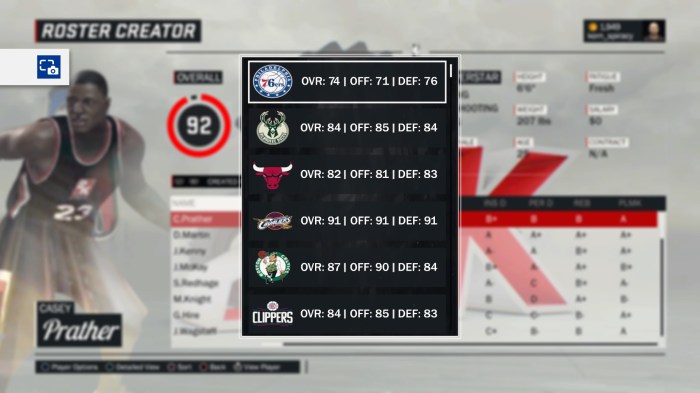
7. This is an arduous process as teams need a minimum of 13 players and a maximum of 15. That mean you will need to remove some players from the 76ers. To do this, Use the shoulder buttons to go to the 76ers.
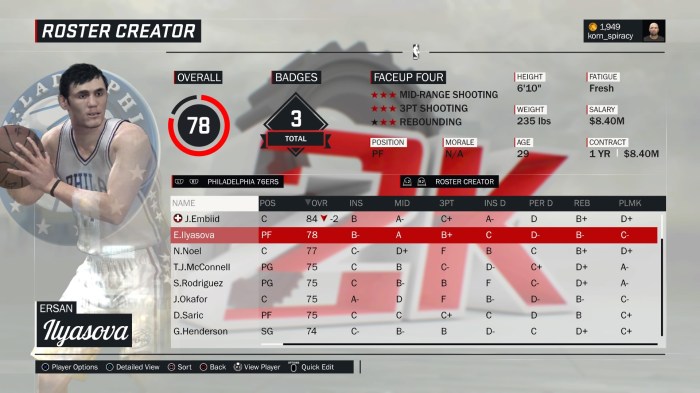
8. Press the A button on one of the players you want to get rid of and select RELEASE TO FREE AGENCY.
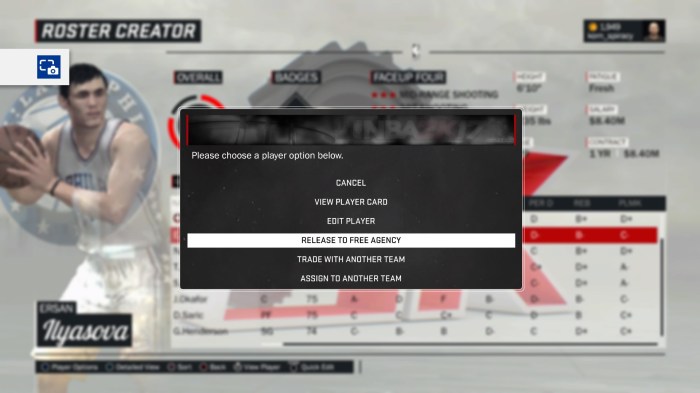
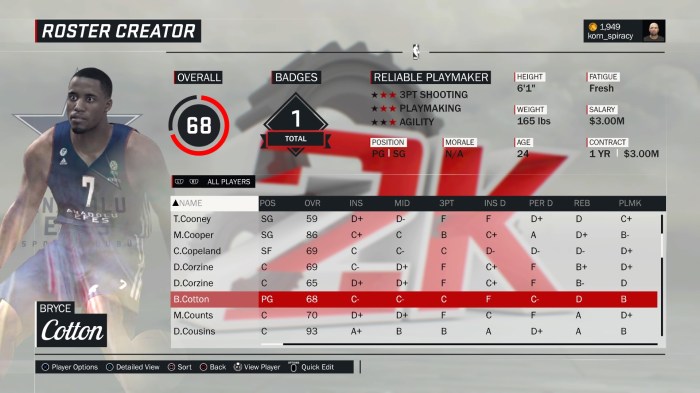
9. You will need to keep swapping between adding the created players and removing the players you do not want. This can take some time. When you have all of the Wildcats you created on the 76ers, you also need Bryce Cotton. To add Bryce, use the shoulder buttons to go to ALL PLAYERS. Press the X Button to sort the names alphabetically and find B.COTTON. Assign him to the 76ers as well.
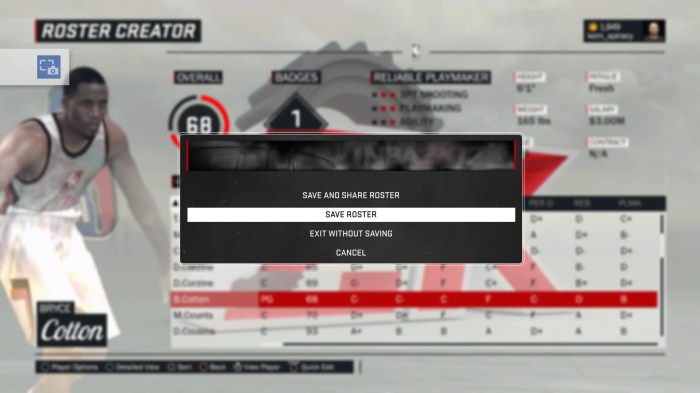
10. Press the B button and select Save Roster. I name mine The Wildcats but call it anything you like.
11. On the main menu, go to MyGM/MyLeague.
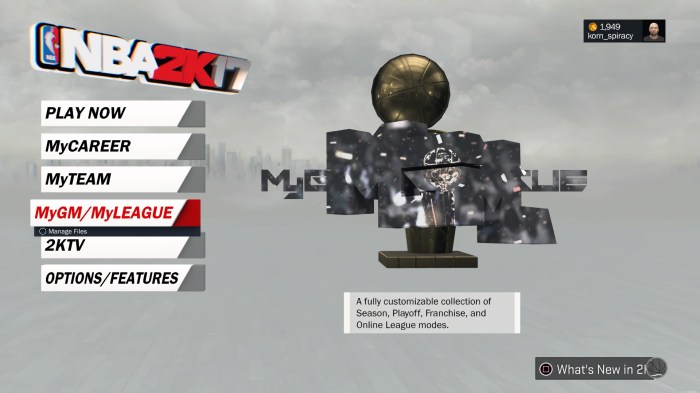
12. Select NEW FRANCHISE
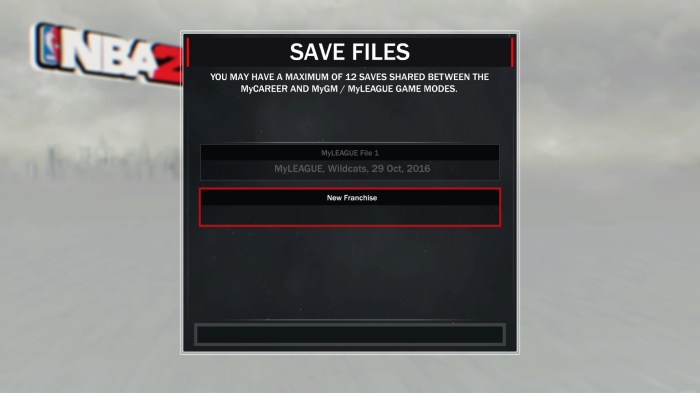
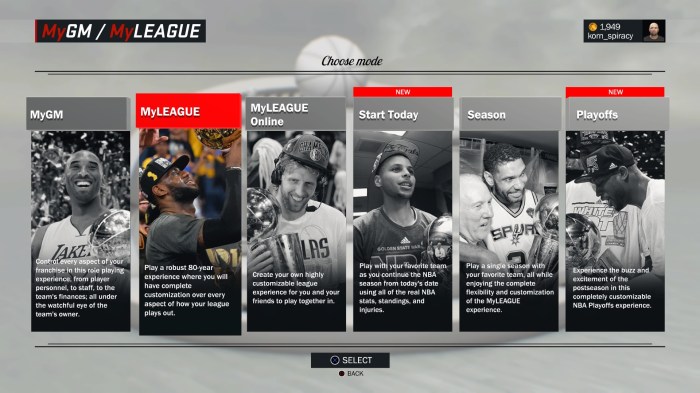
13. Select MyLEAGUE.
14. THIS STEP IS IMPORTANT! Make sure when you are on this screen press Y to use a custom roster.
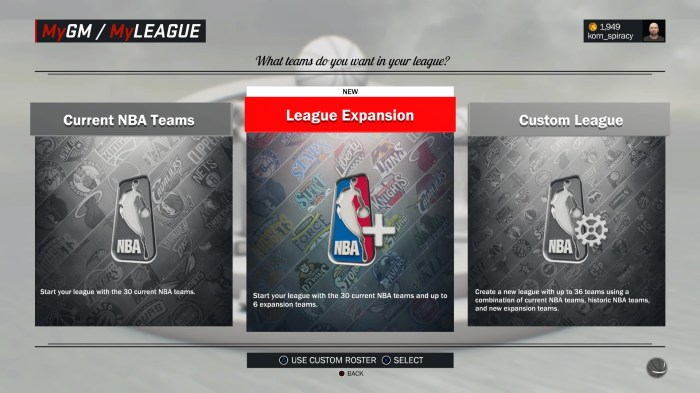
15. Select the roster you just created.

16. Now choose League Expansion.
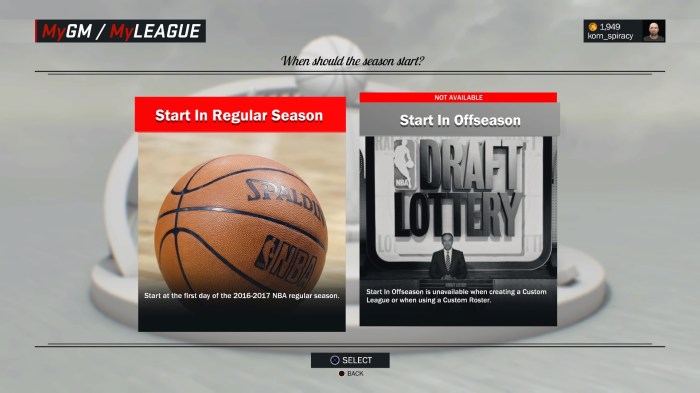
17. Select Start in Regular Season.
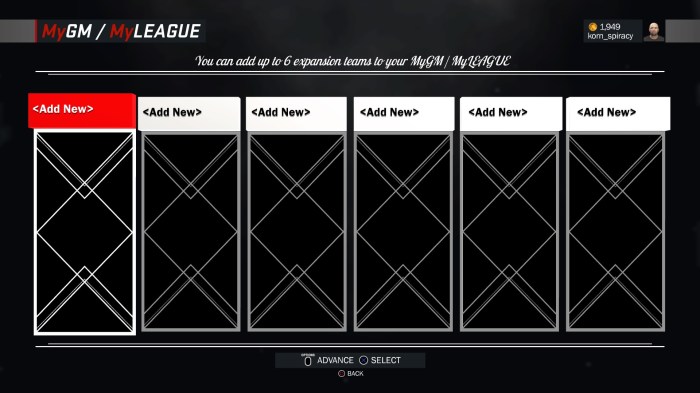
18. Select
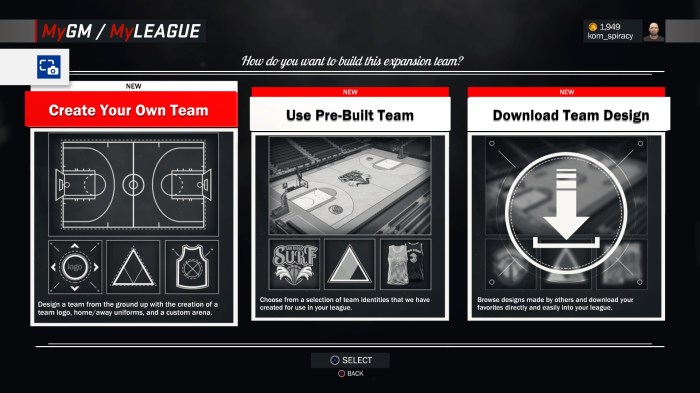
19. Select Create Your Own Team.
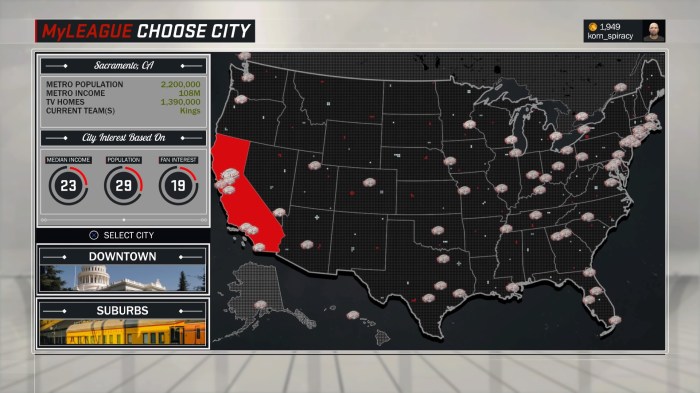
20. Select City
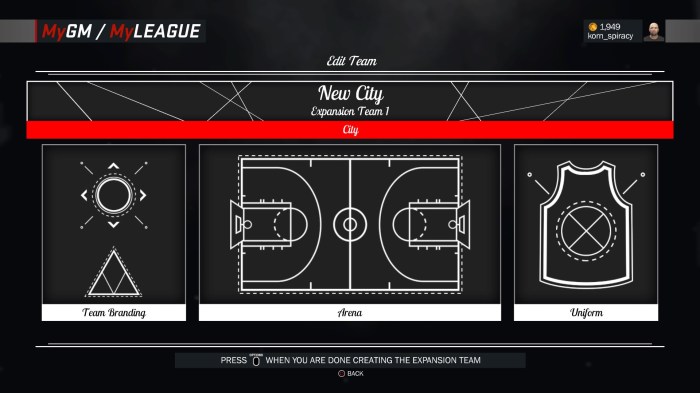
21. Choose a city you like. It doesn’t really matter which one.
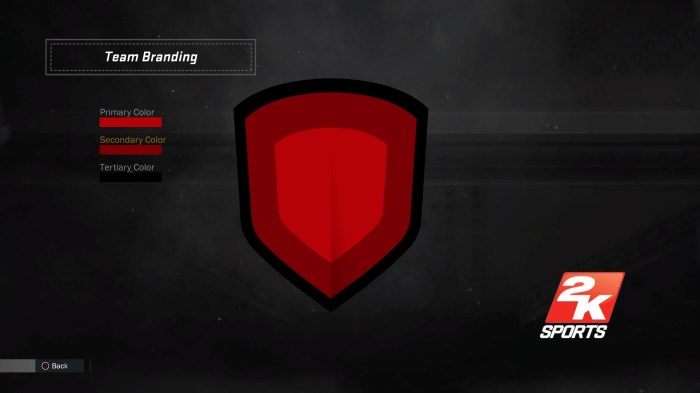
22. Select Team Branding.
23. Set the options as shown below.

 I Suck @ Video Games